Lifestyle scene creation
Place the product in a carefully directed lifestyle setting that supports the brand and intended audience.

Professional photo editing
Turn your existing product photos into professional lifestyle, studio, and advertising visuals without organizing a new photoshoot.
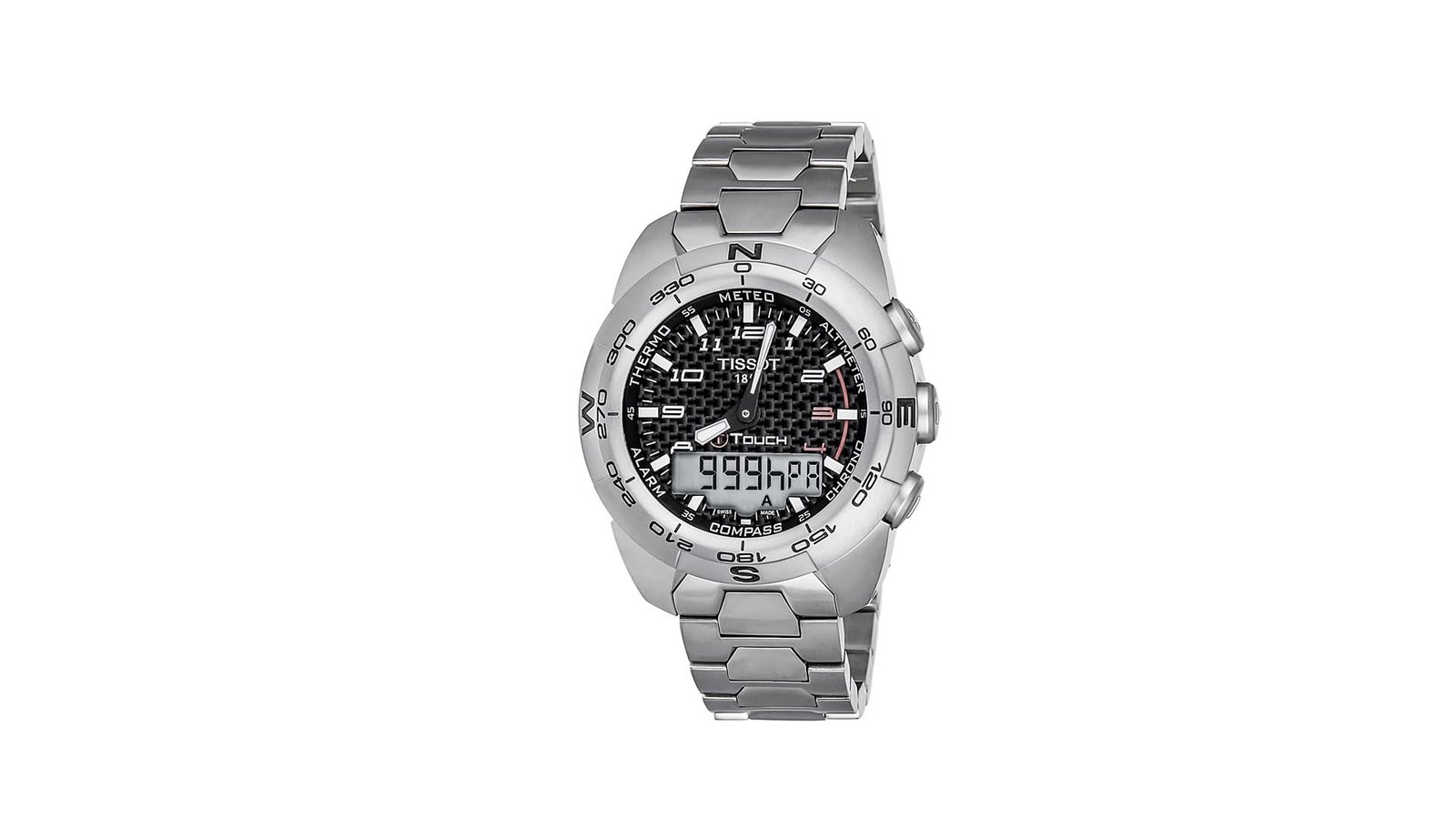
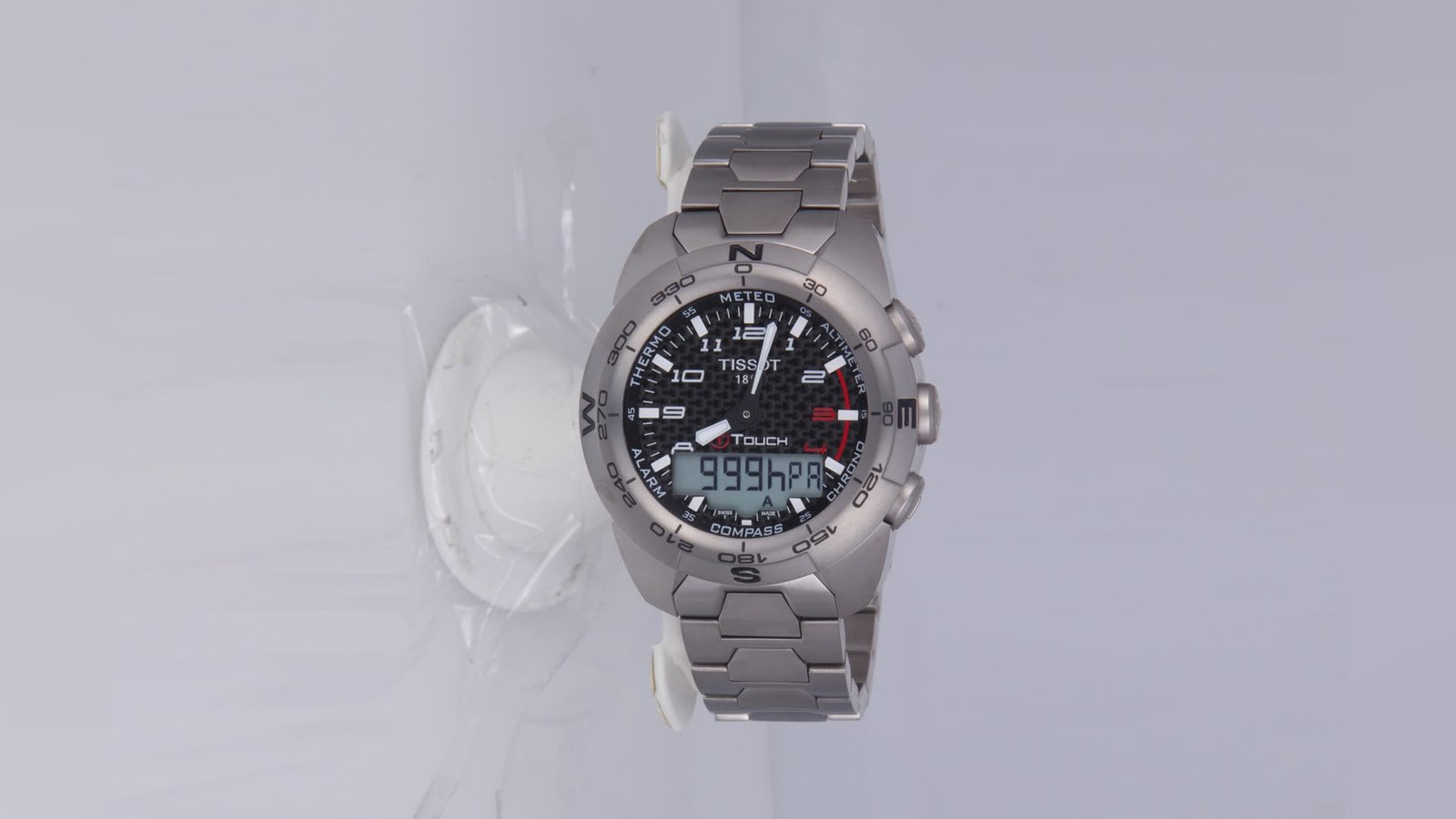
The editing details
Turn your existing product photos into professional lifestyle, studio, and advertising visuals without organizing a new photoshoot. We combine AI image generation with professional Photoshop compositing and manual retouching to create realistic, brand-ready visuals while maintaining product shape, color, texture, logos, and important details.
Place the product in a carefully directed lifestyle setting that supports the brand and intended audience.
Create clean studio scenes or campaign-ready compositions for product launches and promotions.
Preserve product shape, color, texture, packaging, labels, and logos while building the surrounding scene.
Match light direction, perspective, contact shadows, and reflections for a cohesive composite.
Create or replace backgrounds to suit the product, brief, and visual reference.
Prepare consistent compositions and crops for websites, marketplaces, social media, and advertising.
Editing breakdown
Explore the requirements, editing approach, and final result behind each image.
AI Product & Lifestyle Image Creation · Editing capabilities
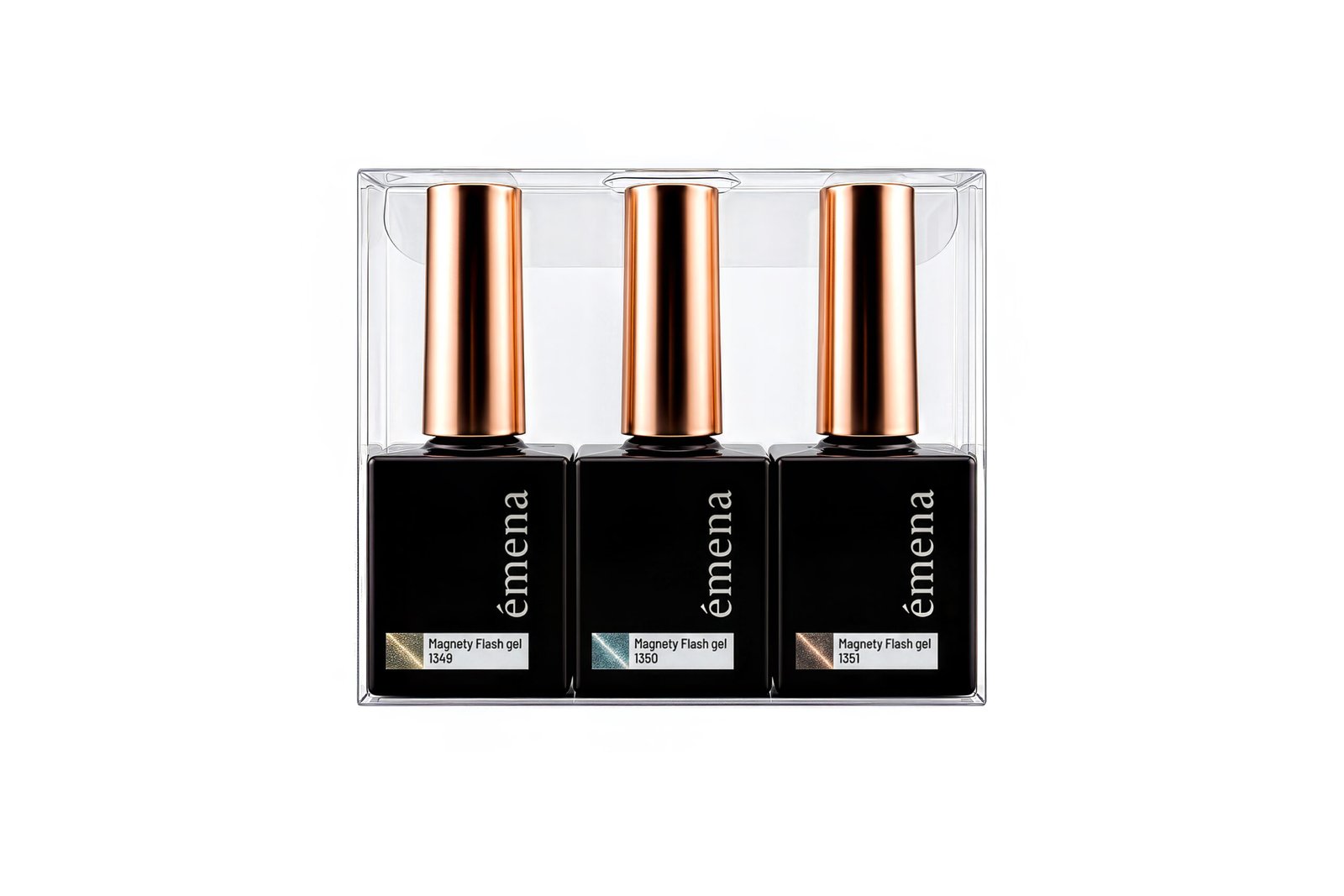
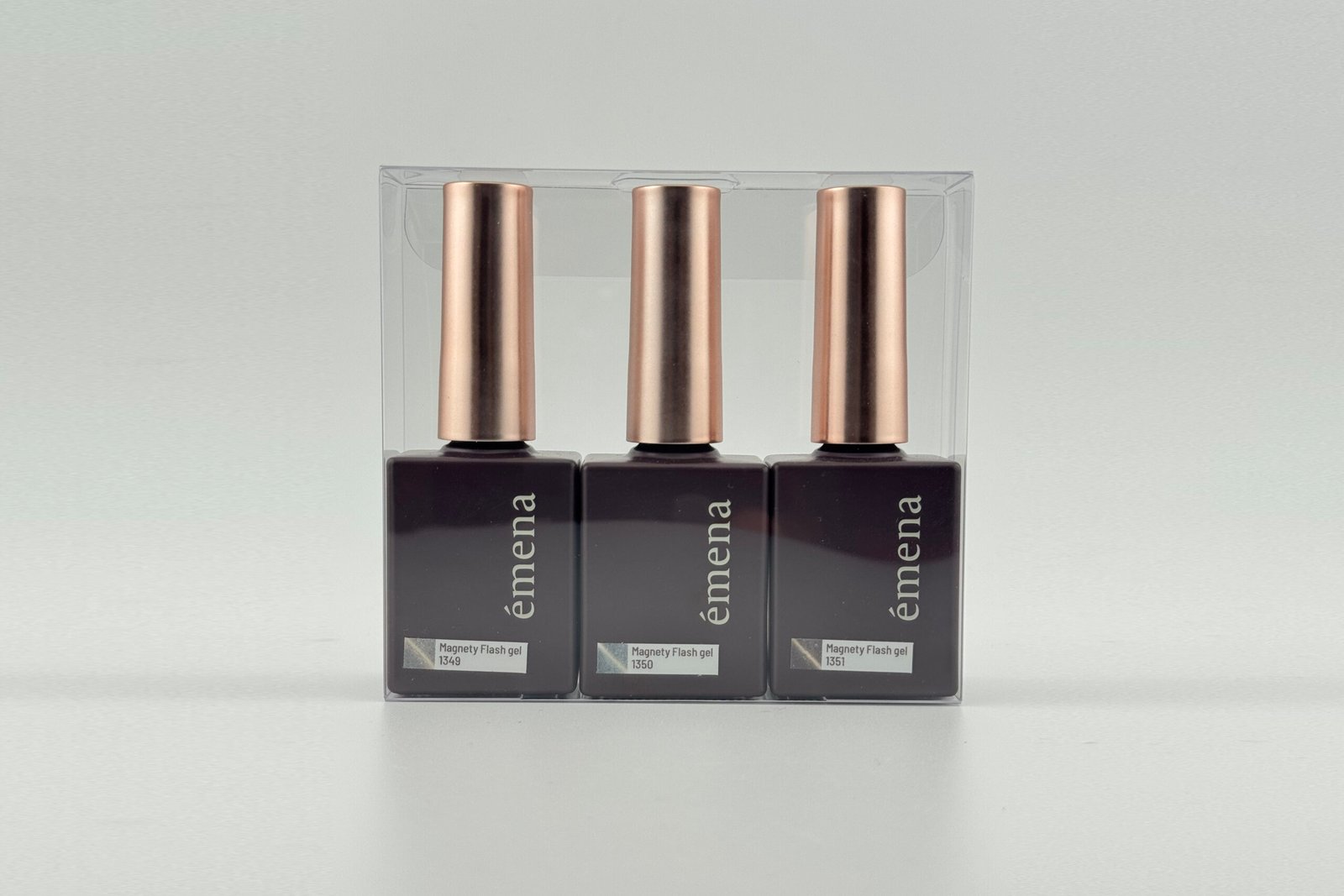
Apply the listed edits consistently according to the supplied files and references.
Create lifestyle product visuals from supplied product photos.
Create studio-style backgrounds for product presentation.
Develop virtual product photography visuals without a new photoshoot.
Additional capability in this segment: Product Placement in Lifestyle Scenes.
AI Product & Lifestyle Image Creation · Editing capabilities
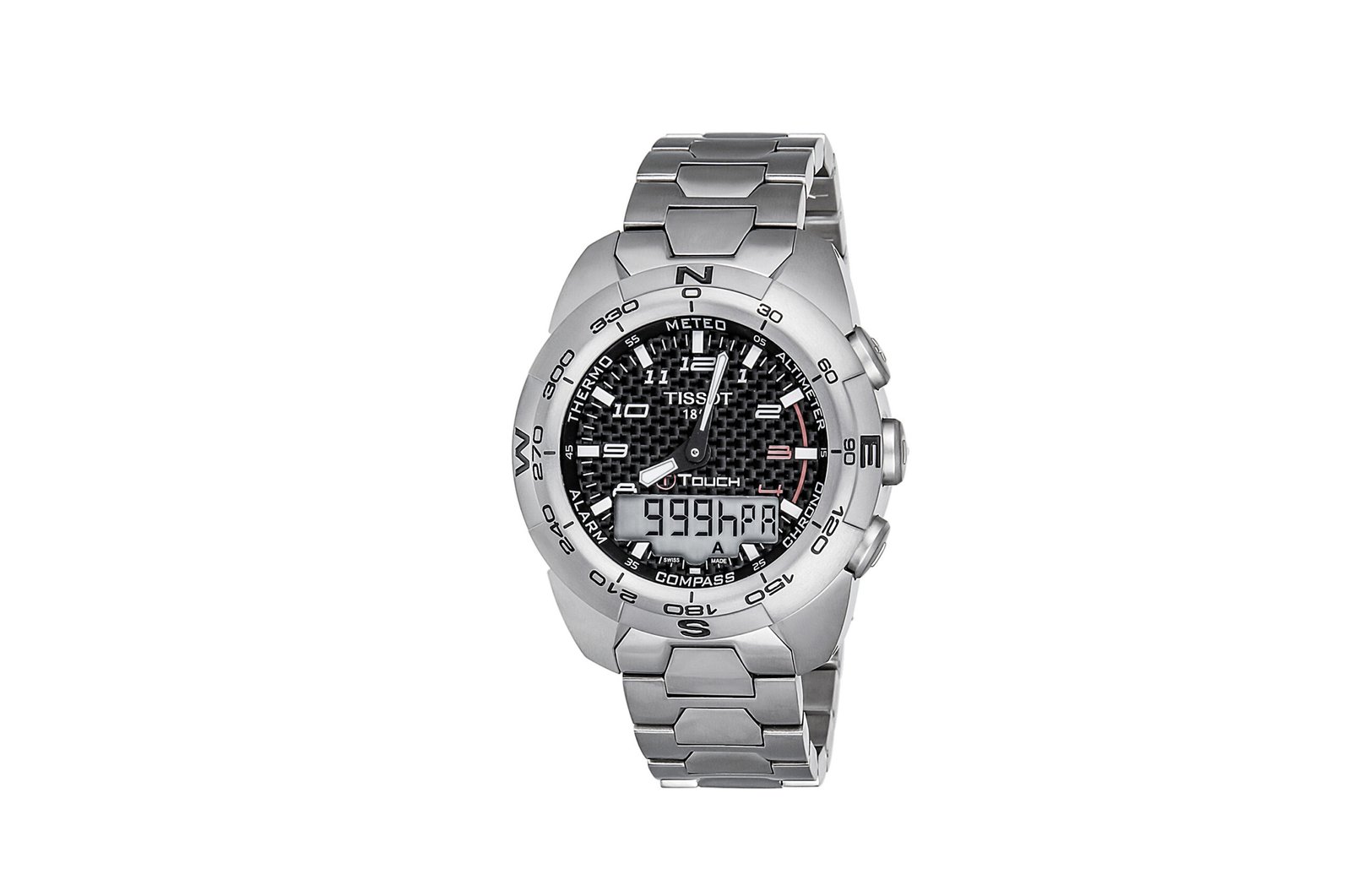
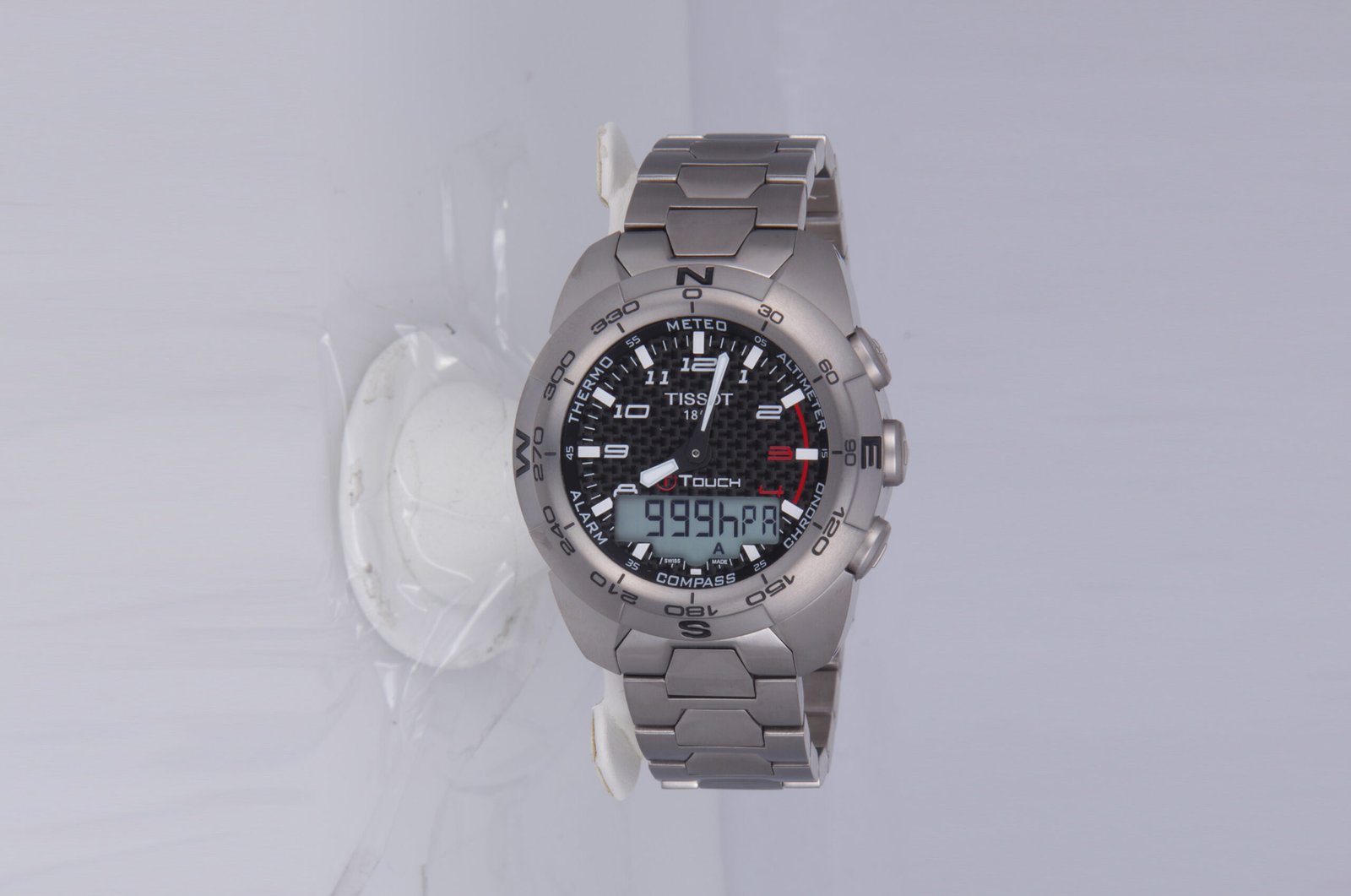
Apply the listed edits consistently according to the supplied files and references.
Create visuals for advertising and campaign use.
Generate backgrounds and environments around the product.
Add realistic shadows and reflections that support the scene.
Additional capability in this segment: Perspective & Lighting Matching.
AI Product & Lifestyle Image Creation · Editing capabilities
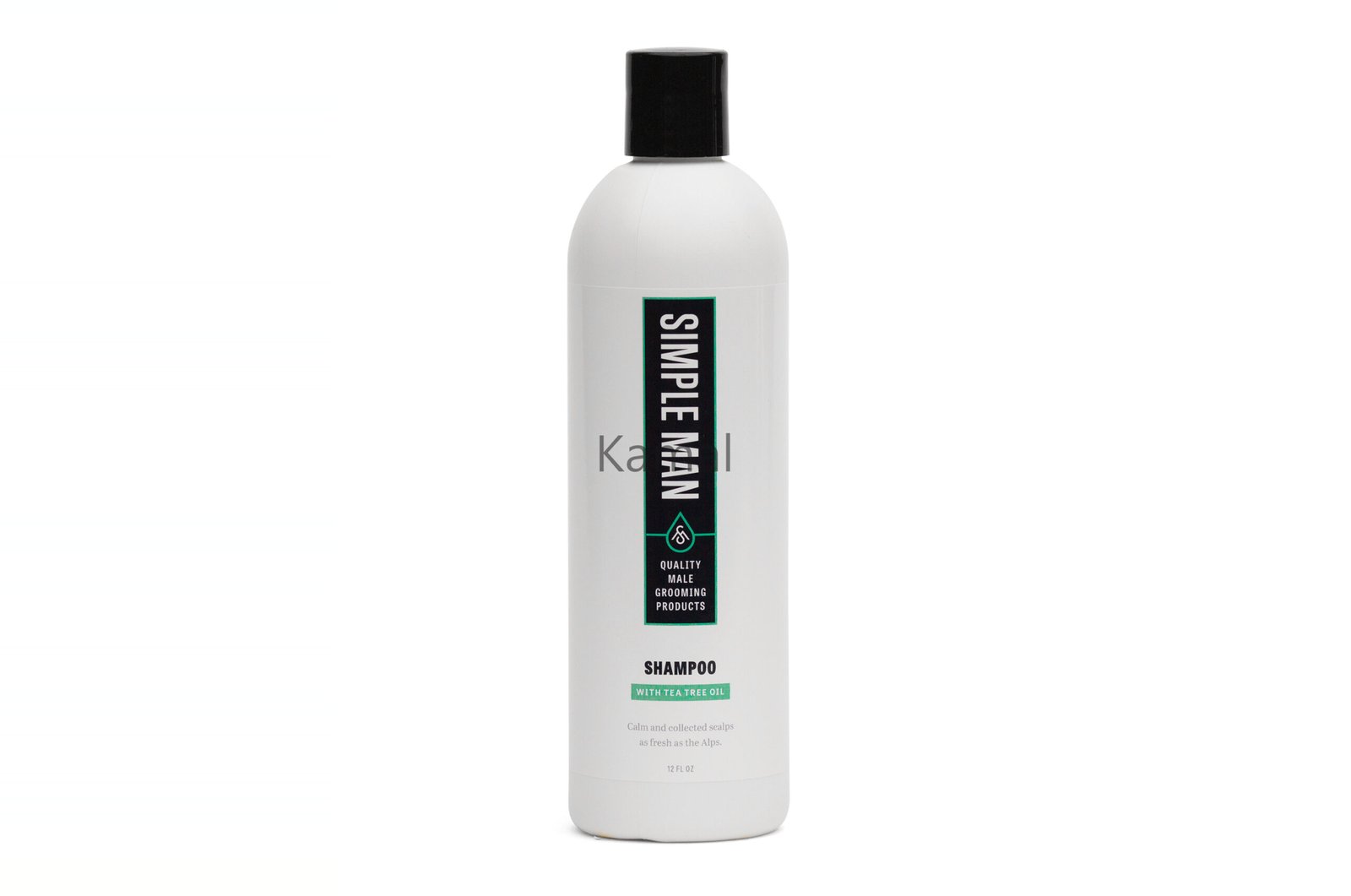
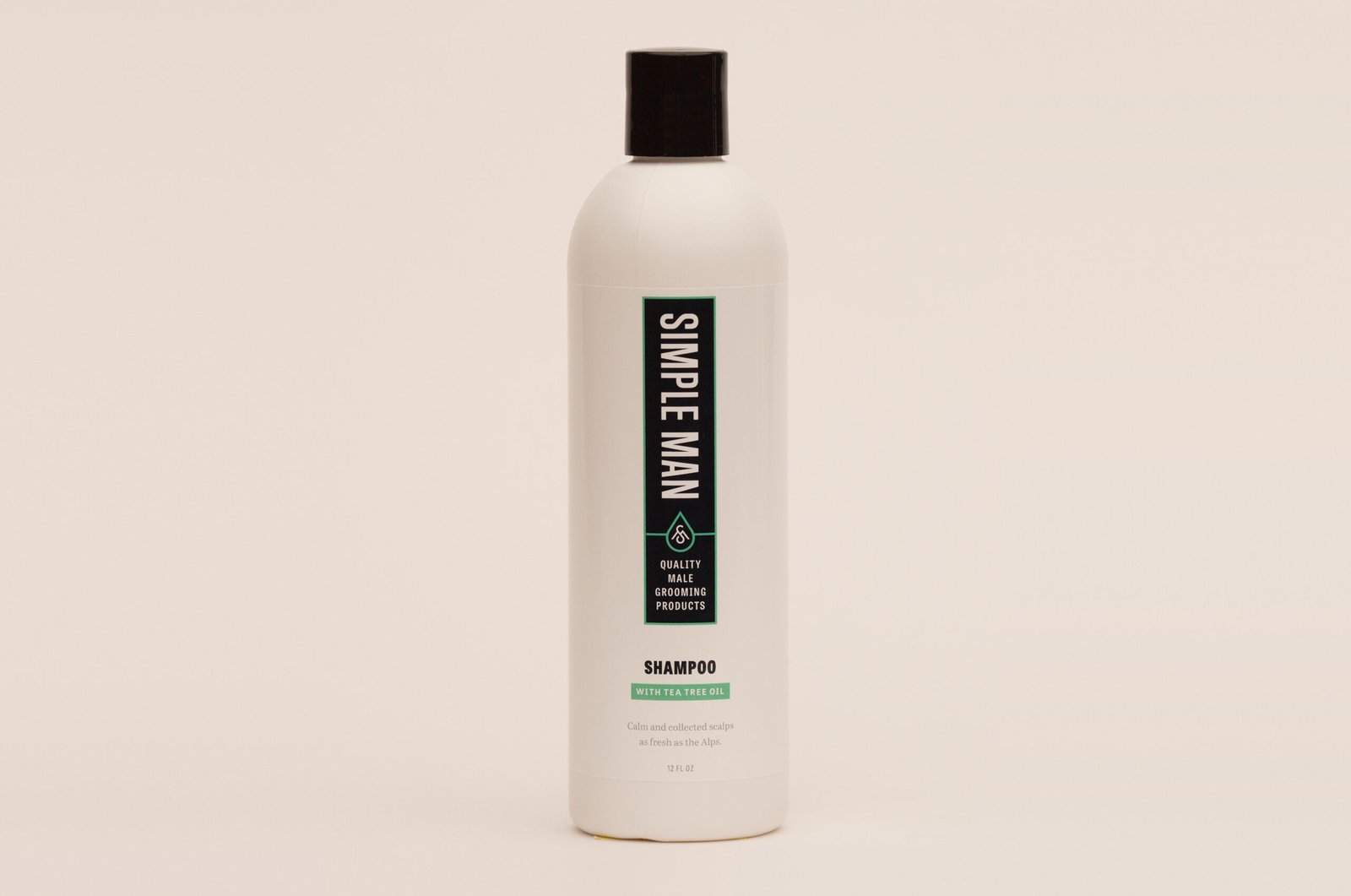
Apply the listed edits consistently according to the supplied files and references.
Composite product and scene elements in Photoshop.
Manually remove visible AI artifacts and inconsistencies.
Prepare visual variations for social media and website use.
A consistent, natural finish aligned with the supplied reference.
Real client testimonials
“Kamal has been a highly reliable photo editor for our large-volume image production. His work is consistent, realistic, and delivered with great attention to detail. He handled thousands of images while maintaining the same quality and style across every batch.”
Edited image gallery
How it works
Select the closest editing workflow or ask for a custom recommendation.
Send a viewable Drive, Dropbox, or WeTransfer link with your instructions.
Approve the direction before paid production begins.
Download polished files prepared for your required channel and format.
Pricing & delivery
Final format, turnaround, and any additional work are confirmed in your quote.
Common questions
We use your product photo and references to preserve important shape, color, texture, packaging, and branding details. A sample helps confirm the direction before a larger set begins.
Share a clear product image, brand references, preferred setting or mood, intended channel, dimensions, and any elements that must be included or avoided.
Yes. Share the scene list and references so the visual direction can be agreed and applied consistently across the set.
Start with one sample to review product accuracy and the proposed scene before confirming the full project.
Start with one image
Send a sample and a short brief. We’ll take it from there.
Please do not share passwords or payment information.
“Kamal has been a highly reliable photo editor for our large-volume image production. His work is consistent, realistic, and delivered with great attention to detail. He handled thousands of images while maintaining the same quality and style across every batch.”